

The big problem that keeps websites from getting traffic is not following SEO best practices.
Google Analytics will give you tons of info about your website visitors but it doesn’t provide any info on how to rank on Page 1 or how to improve your content.
You know, things like what’s wrong with your headings, links, or images
or how top-ranking articles are structured – the on-page stuff that really matters.
But see… that’s where sites get stuck…
And it’s all because you can’t make big improvements in the SERPs UNTIL you know what to optimize…
and that’s exactly what SEO Pilot does.
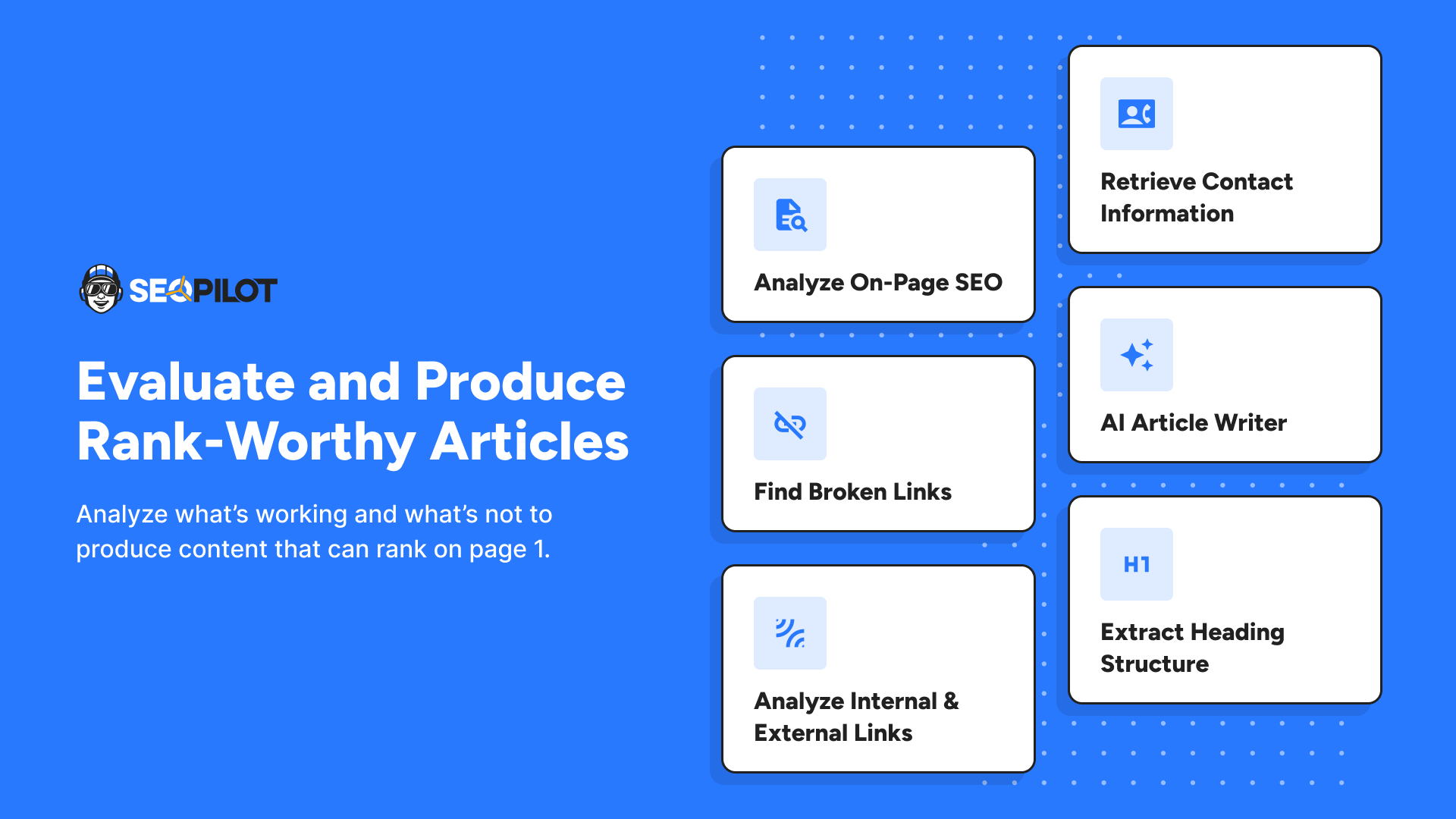
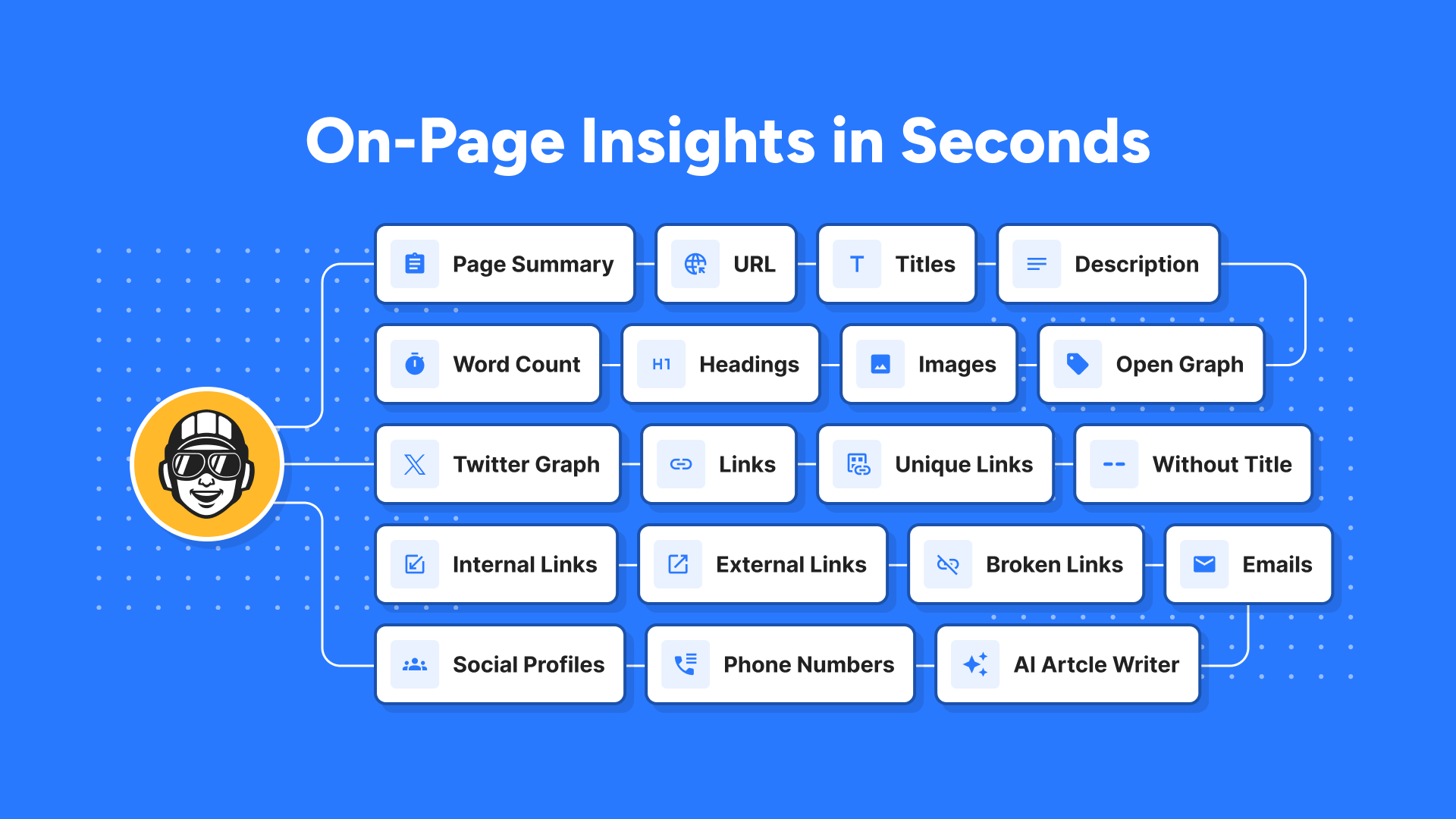
Pros use SEO Pilot for various functions:
Keyword Optimization – Leverage SEOPilot to uncover how to optimize your content based on who’s ranking now.
Content Strategy – Analyze content structure that search engines already favor. Don’t guess. Start with the insights and produce content that has a higher chance of also ranking.
Article Creation – Get more content out in a day than you normally would in a month. SEO Pilot’s writer simplifies the process of writing articles based on the outlines of existing top-ranking posts.
Competitor Insights – Uncover competitor strengths and weaknesses by dissecting their content outlines, linking strategy, image optimization, and more.
Link Building – Find backlink opportunities or broken links or other creative data points to strike a conversation with site owners and writers.
Targeted Outreach – Extract contact information from websites to streamline your outreach efforts with SEO Pilot’s contact extraction feature.

SEO Professionals: Whether you’re a novice or a seasoned SEO pro, SEOPilot simplifies the complexity of on-page SEO with straightforward insights. It’s the handy one-click assistant that’s does everything you need when you need it.
Digital Marketers: Supercharge your SEO strategy by dissecting successful SERP content. SEOPilot arms you with actionable insights to move ideas and campaigns forward.
Content Creators: Craft content that aligns with what already ranks at the top of search engines. Don’t guess or try to reverse engineer Google. Instead, use it smartly by studying top-ranking organic pages. SEOPilot lets you tap into their winning formula.
Growth Hackers: Stay one step ahead of your rivals by comprehending their content strategies. SEOPilot empowers you to decode their success tactics. Use it to generate more traffic, leads, and sales.
Brands / Business Owners: Empower your brand’s online presence with data-driven decisions. SEOPilot guides you toward insights that yield tangible results.
Get lifetime access to SEO Pilot today! (or get it for free)



02 Customer(s) recommended this item

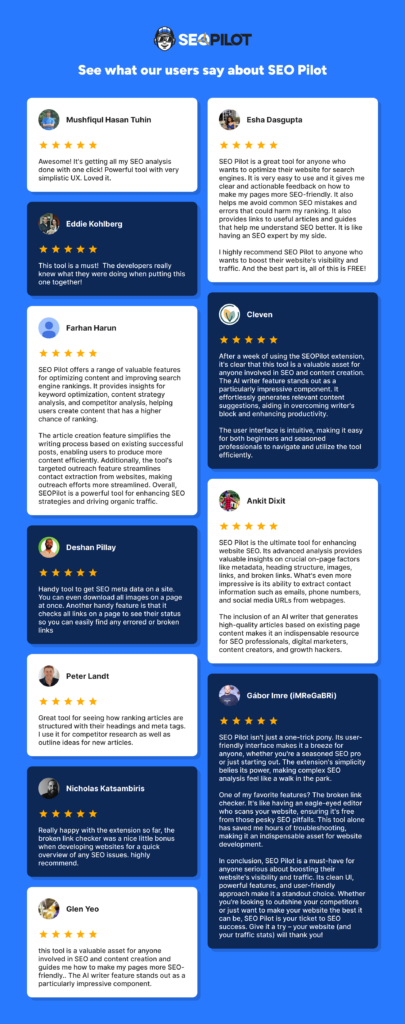
I could not be happier with the SEOPilot chrome extension. Simply put, this thing rocks.
The SEOPilot extension helps users get all that much needed quick data from any webpage, whether it be your site or a competitor’s. This tool has already replaced two other extensions for me.
The AI writer is amazing as well. Grab what you need and boom, get some content going. Highly recommend trying the SEOPilot extension and platform for more in depth AI writing.

The code is invalid when I use it.
Update: Support clarified. All good.
Only logged in customers who have purchased this product may leave a review.
Got a Question? Ask here.
I took Supergrow LTD Tier 3 and got this extension LTD as free. How is the article writing limitation per month? How many words?
Hi Mohidul – the article limit is 30 per month as per the plan above.
No limit on words since you’re bringing your own key.
Hi Charlie. Does this tool also work on Dutch-language websites? And on how many devices can I use the extension? Because I work on desktop and laptop. Love to hear about it. Thanks.
Old question. Just answering anyway. Yes. It works as on-page SEO and contact info scraping are mostly technical and utilize meta data / page source data.
However, we do not translate the labels in our extension into Dutch.
OpenAI API key not saving in the API settings section. Any help?
I’m sure you’ve already gotten this working but if not just hit up [email protected] and they’ll walk you through the process.
What is the difference between the free and paid version?
hello, can you add the possibility to add straico api ?