

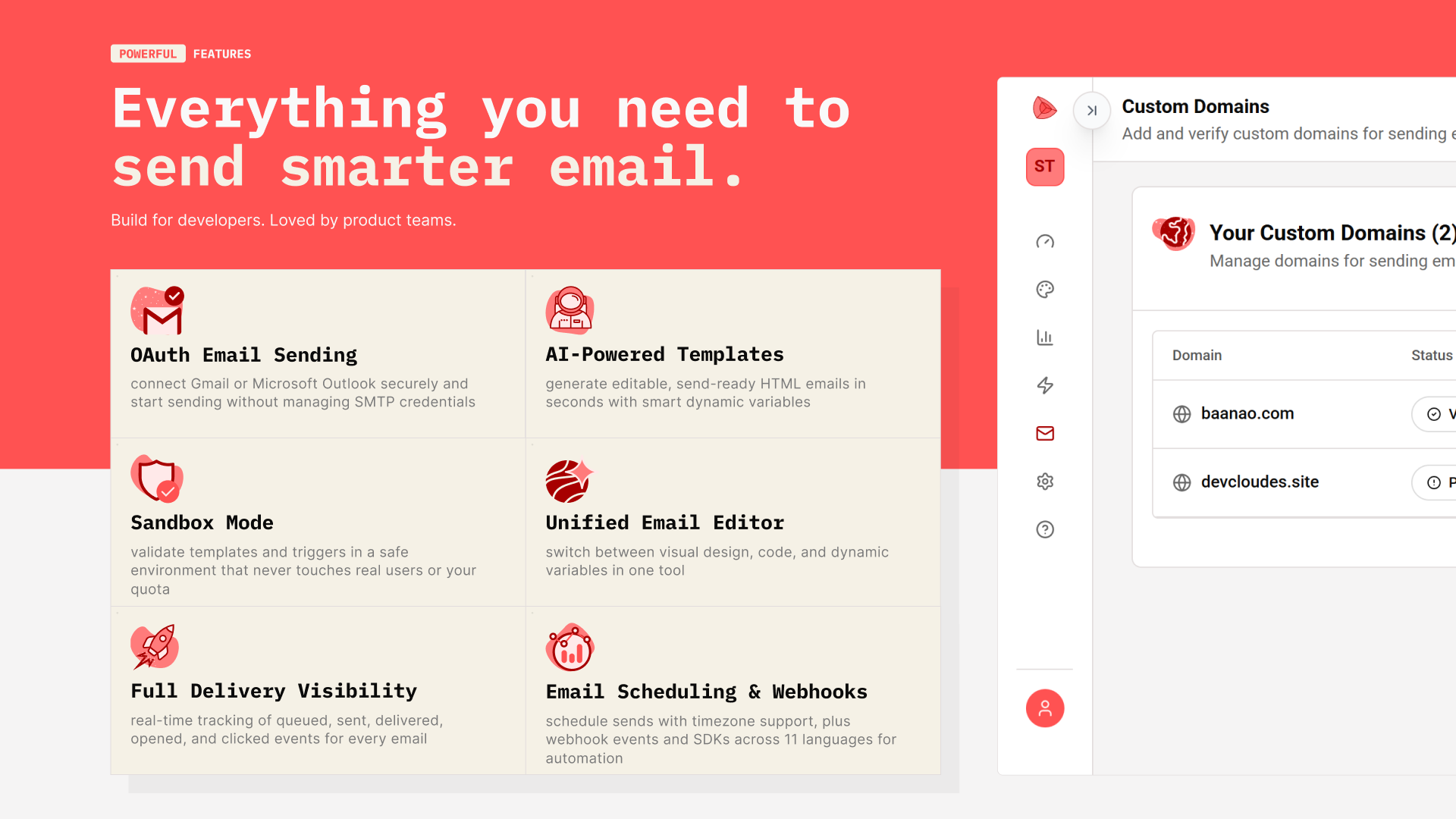
Getting started with Keplars is easy.
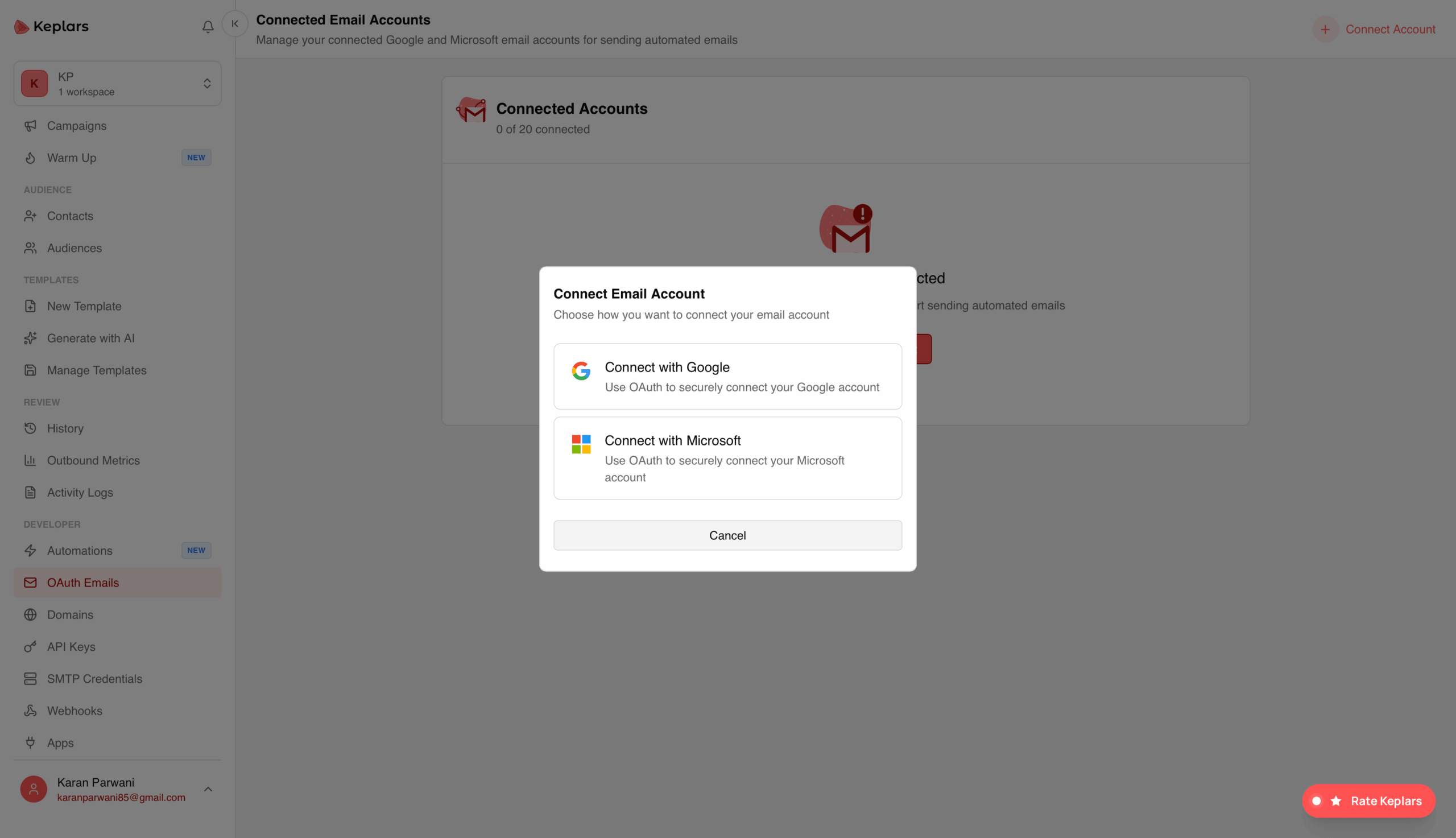
1. Connect an email account & verify your domain: Link your gmail or outlook via OAuth. Keplars sends on your behalf with no passwords stored. Verify your domain, next.
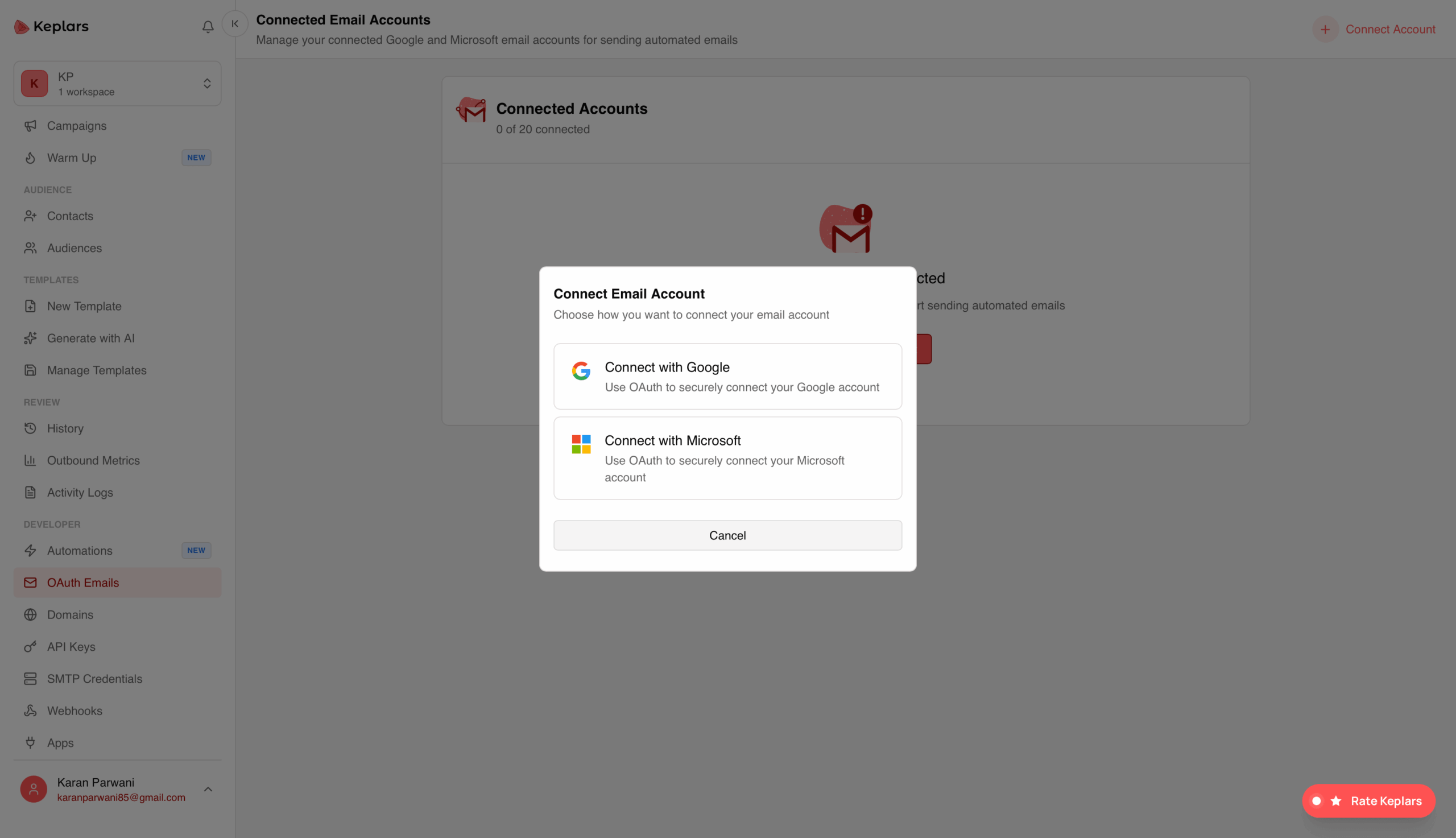
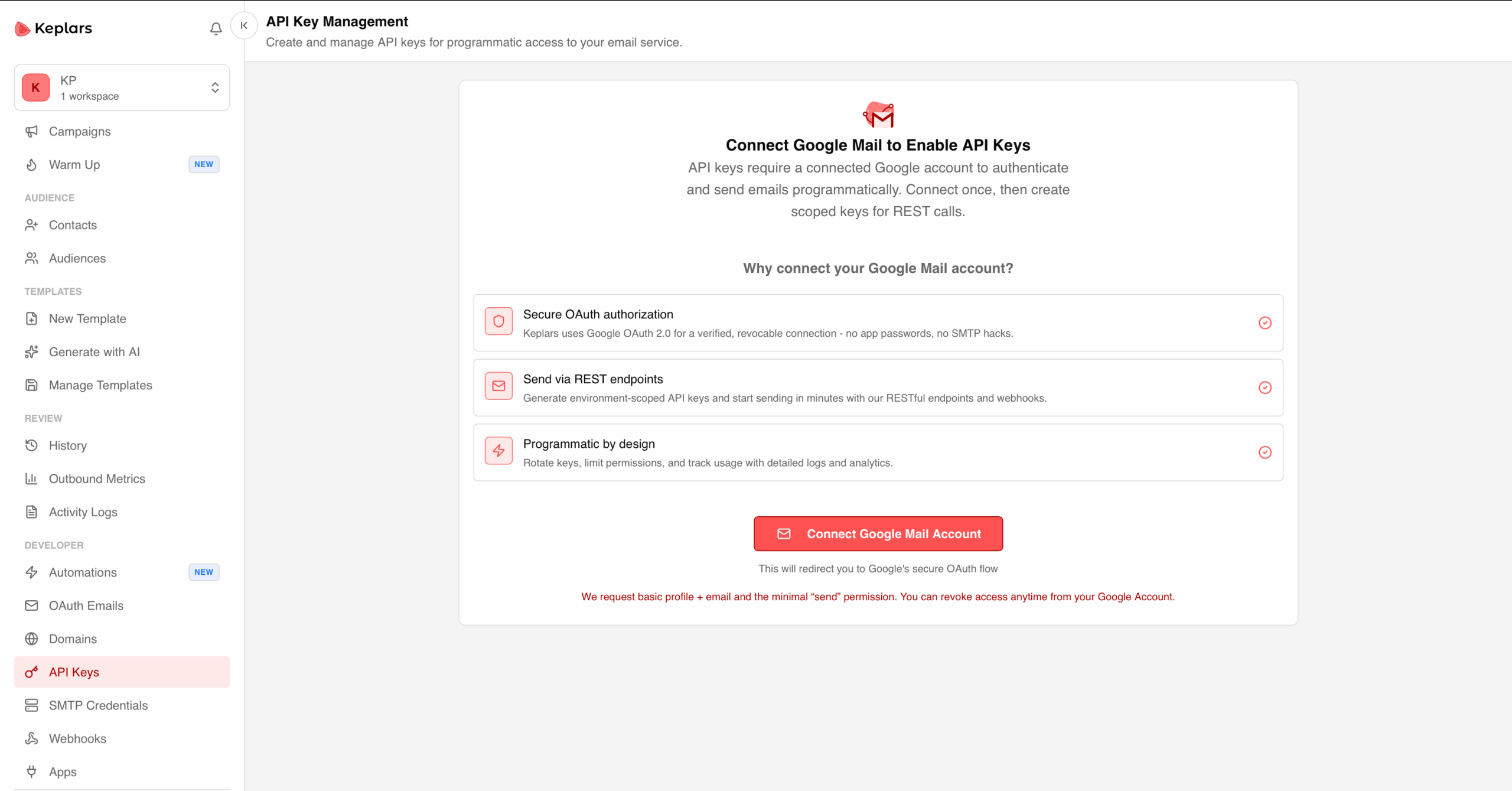
2. Connect and go: No SMTP relay, no DNS records, no app passwords. An OAuth connection handles all of it and DKIM, SPF, and DMARC are all configured automatically.
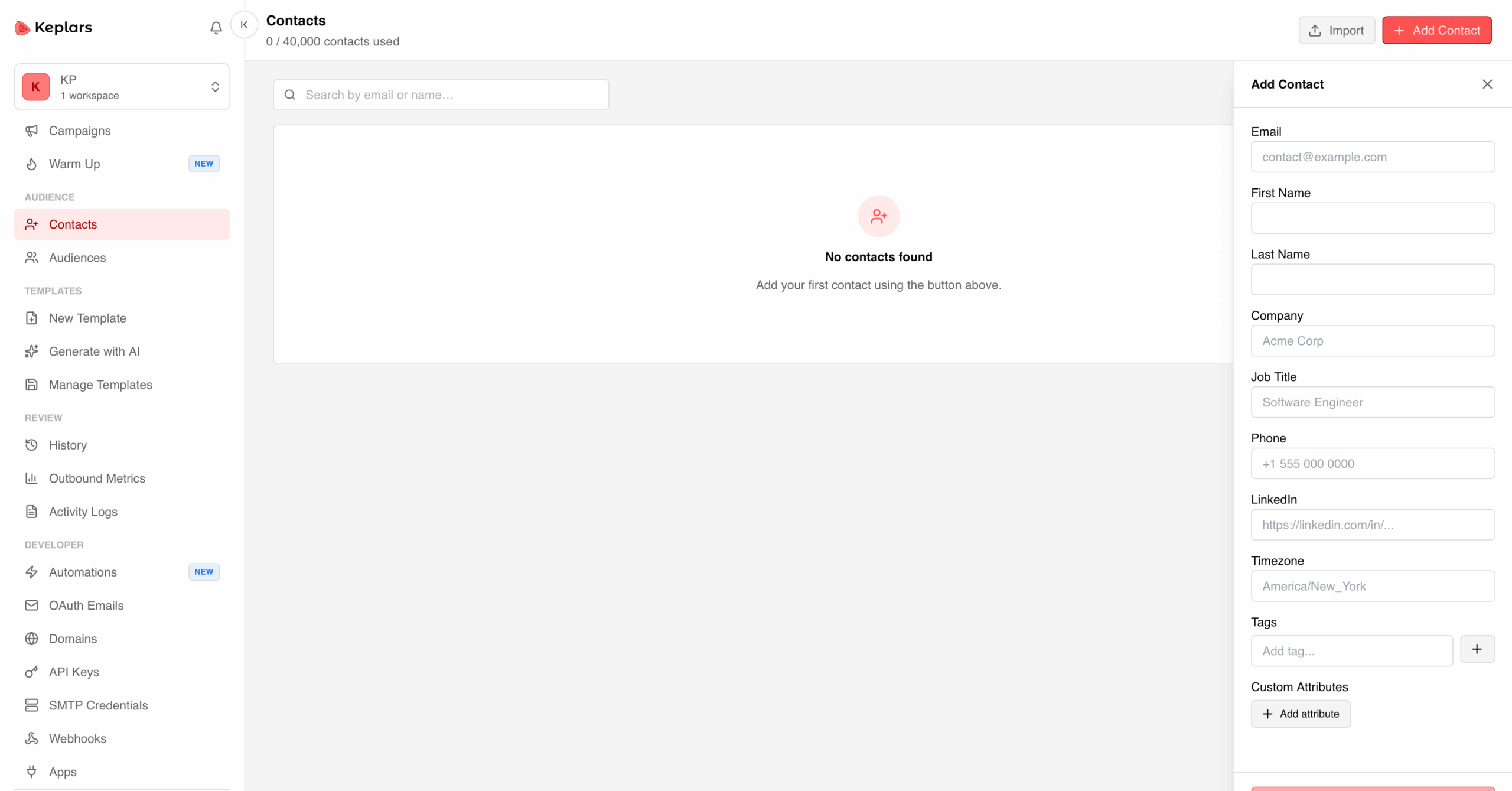
3. Import your contacts: Start adding audiences in your account by importing them or creating them 1 by 1.
4. Start creating campaigns: Pick an audience, choose a template, then send now or schedule. Track opens, clicks & bounces per recipient.
Switching from SendGrid, Postmark, or Resend?
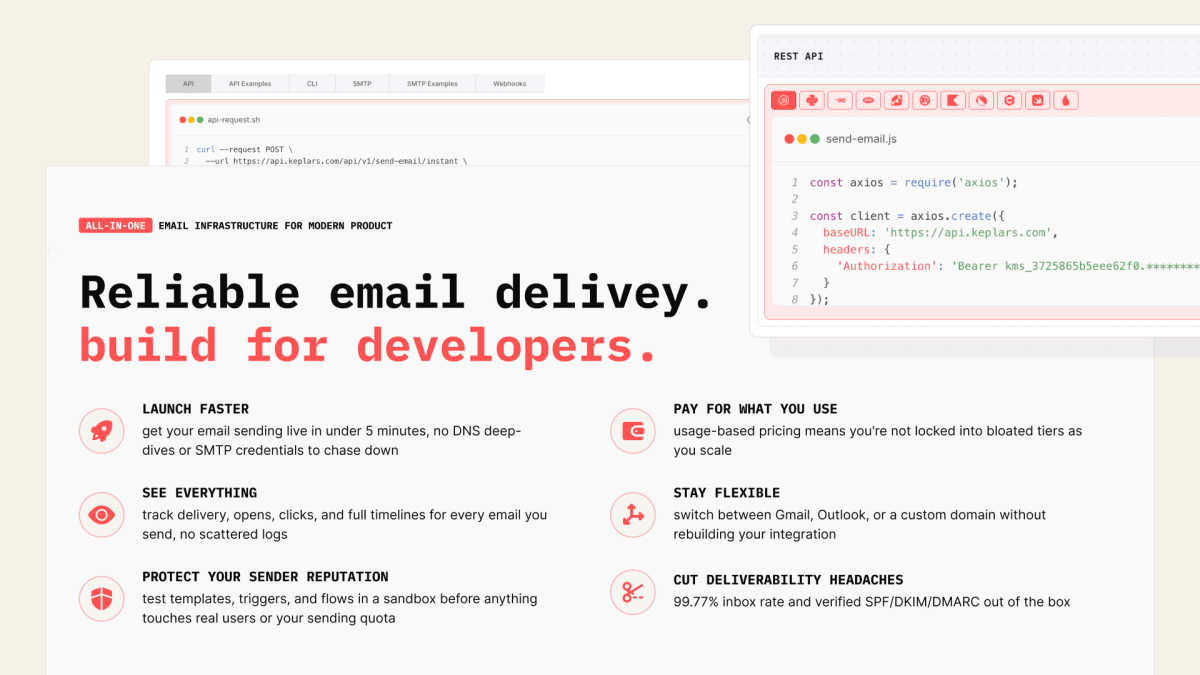
Import your templates and move over with minimal setup. Same sending power without the SMTP config or per-contact fees.




01 Customer(s) recommended this item

An actual email sending API with warm up and deliverability reporting. Nothing else offers email infrastructure at this level a true replacement for Resend. Great for developers to integrate.
Only logged in customers who have purchased this product may leave a review.
Got a Question? Ask here.
Can this integrate with ConvertBox? For email pop up forms. Does this have email automation and workflows? Can this tool work for bloggers?
Hi Jeaneane, thanks for asking!
No native ConvertBox integration yet, but you can connect them through webhooks or our API, so a form submission in ConvertBox can trigger an email or add a contact in Keplars.
You can also just use SMTP if you’d rather not touch the API.
Yes, we have automations: build multi-step workflows in the dashboard (welcome series, post-purchase follow-ups, re-engagement) with triggers, delays, and conditions, then drive them from your app via API.
– https://docs.keplars.com/docs/marketing
– https://docs.keplars.com/api-reference
And yes, it works well for bloggers. You get audiences/contact lists for newsletters plus transactional sending, all from one platform.
Happy to help with anything else!
Do Keplars have a built-in SMTP? Do I have to connect Amazon SES?
Hi Jeaneane, yes, Keplars has built-in SMTP. No need to connect Amazon SES or any external provider. You get SMTP credentials (host: smtp.keplars.com) that work with any standard SMTP library like Nodemailer or PHPMailer.
Docs: https://docs.keplars.com/docs/getting-started/setup-smtp-keys
Hi! Just so I understand, from your answer bellow about SMTP: which infrastructure is effectively sending the emails? Is Keplars just a layer over our own GMail / Outlook, or you actually send the emails, and we can optionally configure our Gmail / Outlook to use Keplars for mail sending?
Another question: do these plans include API access?
Thanks a lot! If Keplars does the sending and we get API, this is a must-buy!
Hi Alban, good question!
Keplars connects to your Gmail or Outlook via OAuth and actually sends through that account, so your sender reputation stays yours. It’s not a separate mail server layer, and there’s no need to configure your Gmail/Outlook to use Keplars separately since that connection is the sending method. You can also verify a custom domain to send from, if you’d rather not send through Gmail/Outlook directly.
Brief Doc: https://docs.keplars.com/docs
And yes, all tiers include unlimited API and SMTP access, so API is included no matter which plan you go with.
Hello Keplars team, if I choose the custom domain option, do I still get 100k emails on the highest plan? If I need to send more than 100k emails, how does that work? Are there addons, or would I need to buy another plan? Would purchasing an additional plan increase my limits or void the LTD? Thanks!
Hi Damien, yes, the 100k email limit on the highest plan is the same whether you send through OAuth or a verified custom domain, it’s not a separate allowance.
If you need more than 100k, reach out to support and we’ll add extra capacity on top, no need to buy another plan, and it won’t void your LTD.
99.77% inbox delivery is a very specific number. How did you measure it?
Hi Sanjeet, fair question.
We consistently see delivery above 99%, and it can hit 100% when the sending domain’s reputation is solid. We haven’t run this through a formal benchmarking tool yet, but that’s something we’d love to add.
I have the following concerns regarding your product and company:
1. Lack of transparency regarding the legal entity
I reviewed your Terms of Service, Privacy Policy, and Contact page, but I could not find the following information clearly disclosed:
* Full registered legal entity name
* Company registration number
* Registered business address
* Country of incorporation
* Governing law and jurisdiction for disputes
* Legal identity of the GDPR data controller
The documents refer only to the brand name “Keplars Mail Service.” This level of disclosure is insufficient for a service that processes contact information and email content and requests OAuth permissions.
2. No completed independent security certification
Your official documentation confirms that:
* Keplars has not yet obtained SOC 2 certification.
* Its GDPR readiness review is still in progress.
* Its SOC 2 Type I audit is still marked as “In Progress.”
* The service is not intended for sensitive or regulated data.
Although the Keplars Trust Center states that the platform uses TLS, encryption at rest, backups, and security monitoring, these are currently self-reported claims. No publicly available independent audit report has been provided to verify them.
Hi Will, thanks for the detailed writeup, appreciate it.
Entity disclosure: fair catch. Keplars currently operates under our US parent, ArcticByt LLC, and we’ve started incorporating Keplars as its own separate US entity. On the India side, Keplars is a registered Private Limited company with an active CIN and GST registration. Can’t post registration numbers in a public thread, but happy to share details directly, feel free to reach out and we’ll set up a chat. We’ll also get the entity name, jurisdiction, and GDPR data controller added explicitly to the ToS, Privacy Policy, and Contact/Legal page.
Certifications: everything in our Trust Center is accurate. We haven’t completed SOC 2 Type I or a formal GDPR audit yet, both are in progress. TLS, encryption at rest, backups, and monitoring are live today, but until audited, that’s self-reported, not verified, and we’ll make that distinction clearer on the page.
If you’re handling sensitive or regulated data, hold off until the audits land. For general transactional/marketing email, the infra’s solid, but you should make that call with accurate info.
Appreciate you flagging this.
Does Keplars Tier 1 send SMTP/API email through Keplars’ own transactional-mail infrastructure and authenticated custom domain, or does every SMTP/API send relay through my connected Gmail or Outlook account and count against that provider’s sending limits?
Hi Ali,
Good question, here’s how the routing actually works:
It’s not tied to your tier, it comes down to which credentials you generate. If you generate SMTP/API credentials against an OAuth connection (Gmail, Google Workspace, or Outlook), Keplars sends through that connected account directly, no separate mail server layer in between, so it counts against that provider’s own daily limits (Gmail: 500/day, Google Workspace: 2,000/day), and your sender reputation stays tied to your own inbox.
If instead you generate credentials against a verified custom domain, sends go out through Keplars own transactional infrastructure with full SPF/DKIM/DMARC authentication on your domain, no Gmail/Outlook involved, and none of those provider caps apply.
We don’t restrict this by tier or plan, it’s simply whichever credentials you choose to generate and use.
Let me know if you have more questions.
Best,
Deb